
Support centralized management of thousands of data centers
The Centralized Management Platform, also known as the Smart Data Center Monitoring System Platform, serves as a crucial tool for centralized management of multiple data centers. Through this platform, the monitoring center can access real-time information on various conditions within each data center, fulfilling the need for efficient management. The platform integrates multiple subsystems, including environmental monitoring, power monitoring, and security monitoring, enabling comprehensive surveillance and centralized management of multiple systems. Additionally, the platform boasts a comprehensive detection and alarm functionality, supporting various alarm modes such as SMS, email, voice, APP, and webpage notifications. These alarm modes can be flexibly combined to ensure that data center managers receive timely alerts, significantly enhancing the operational safety of the data centers.
Functional Overview
|
Project |
Subitem |
Sub-Subitem |
|
System's Main Interface |
Main Interface |
- |
|
Electronic Map |
- | |
|
3D Visualization of the Data Center |
- | |
|
System List Menu |
Monitoring Center |
(1)My Groups (2)System Groups |
|
Statistical Analysis |
(1)Operating Status (2)Energy Consumption Analysis (3)Alert Inquiry |
|
|
System Settings
|
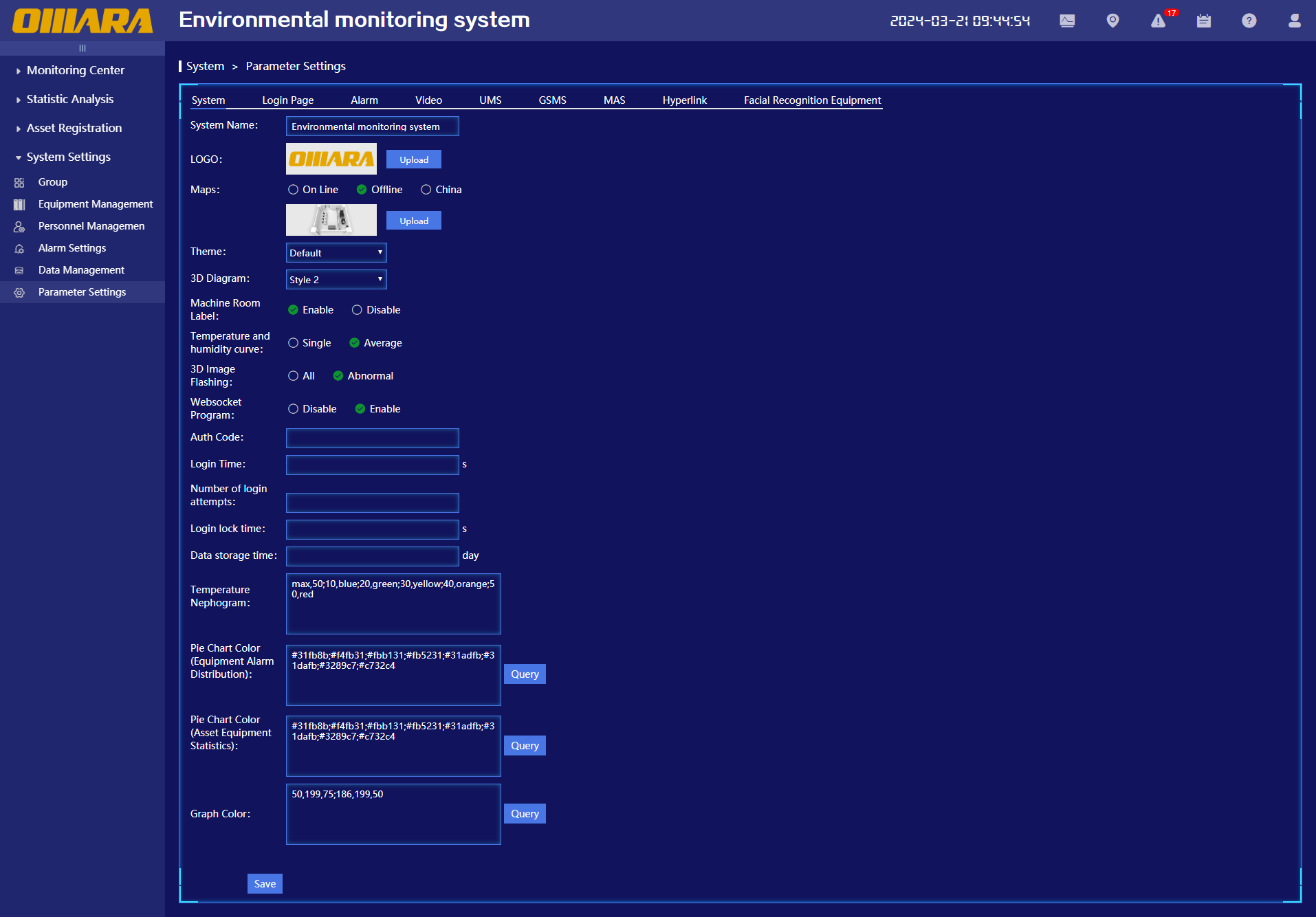
(1)Group Management (2)Device Management (3)Personnel Management (4)Alarm Settings (5)Data Management (6)Parameter Settings |
|
|
Featured Functions |
Large Screen Display |
- |
|
Asset Management |
(1)All Assets (2)Asset List (3)Asset Properties |
|
|
Network Monitoring |
(1) IP Test (2)Ping Device Monitoring |
|
|
Safety Information |
- | |
|
Video Popup Window |
- | |
|
Leakage Popup Window |
- | |
|
Mobile App |
- | |
|
Temperature Heatmap |
- | |
|
Hyperlink |
- | |
|
Client Support |
- |
User Interface
The centralized management platform supports three language versions: Simplified Chinese, Traditional Chinese, and English, providing a more flexible and convenient operating experience for different users.
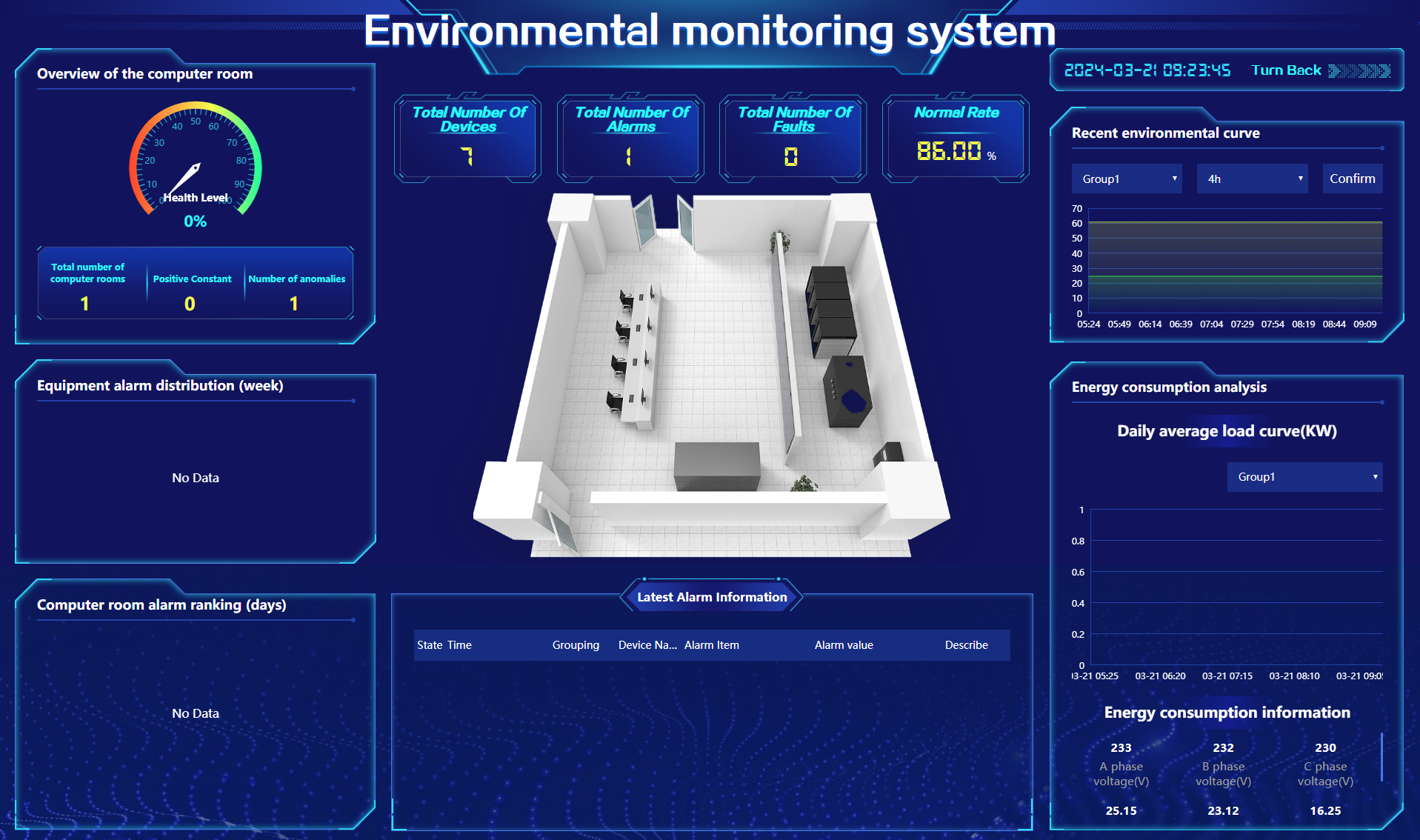
ØLarge Screen Display
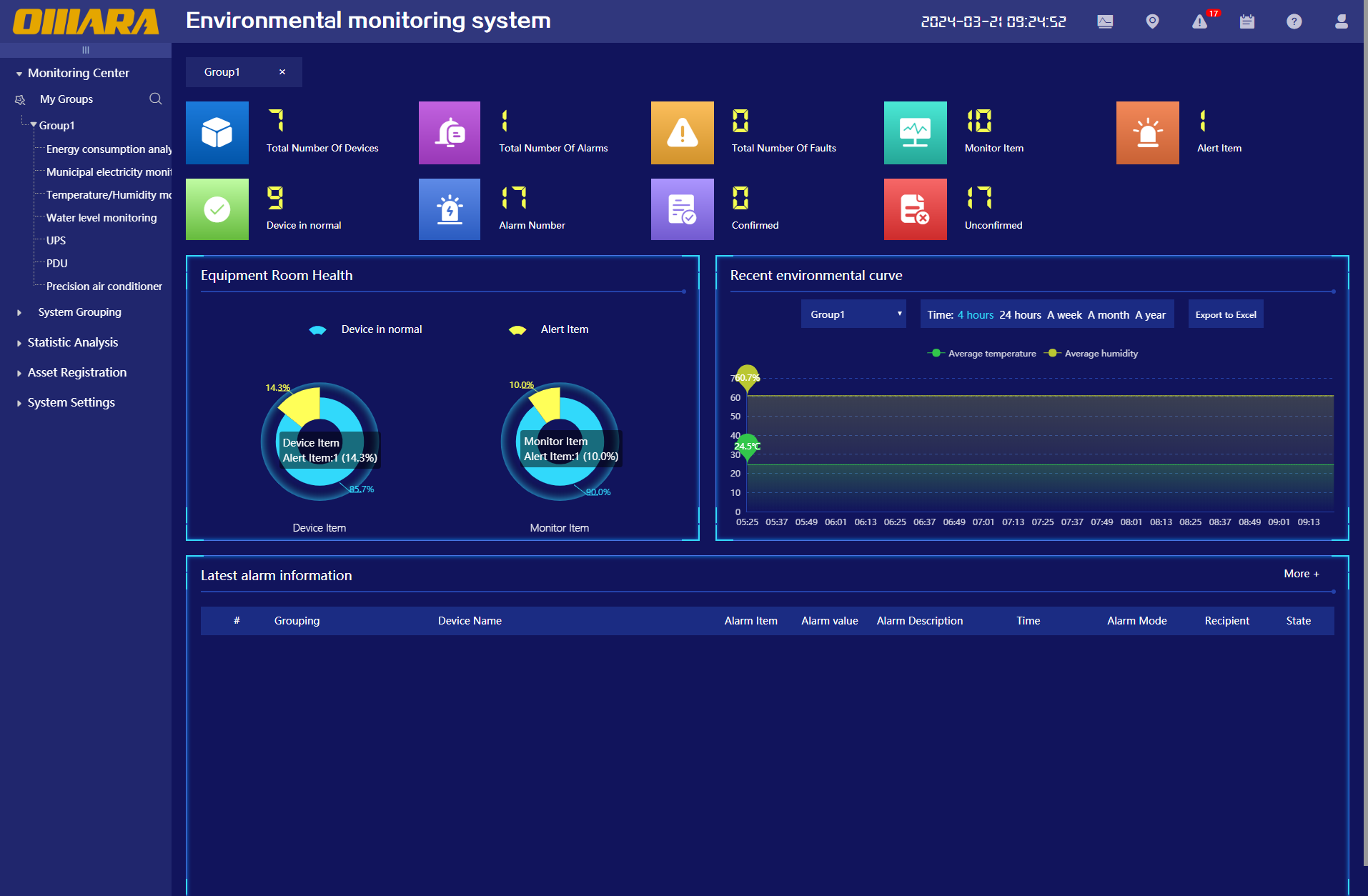
ØSystem's Main Interface
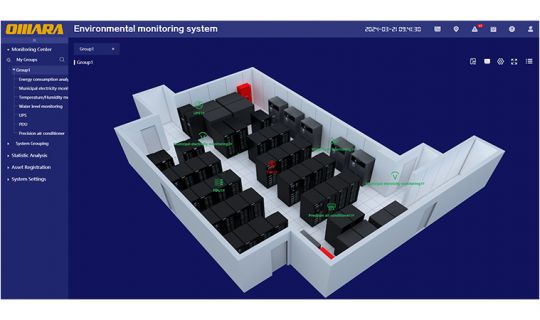
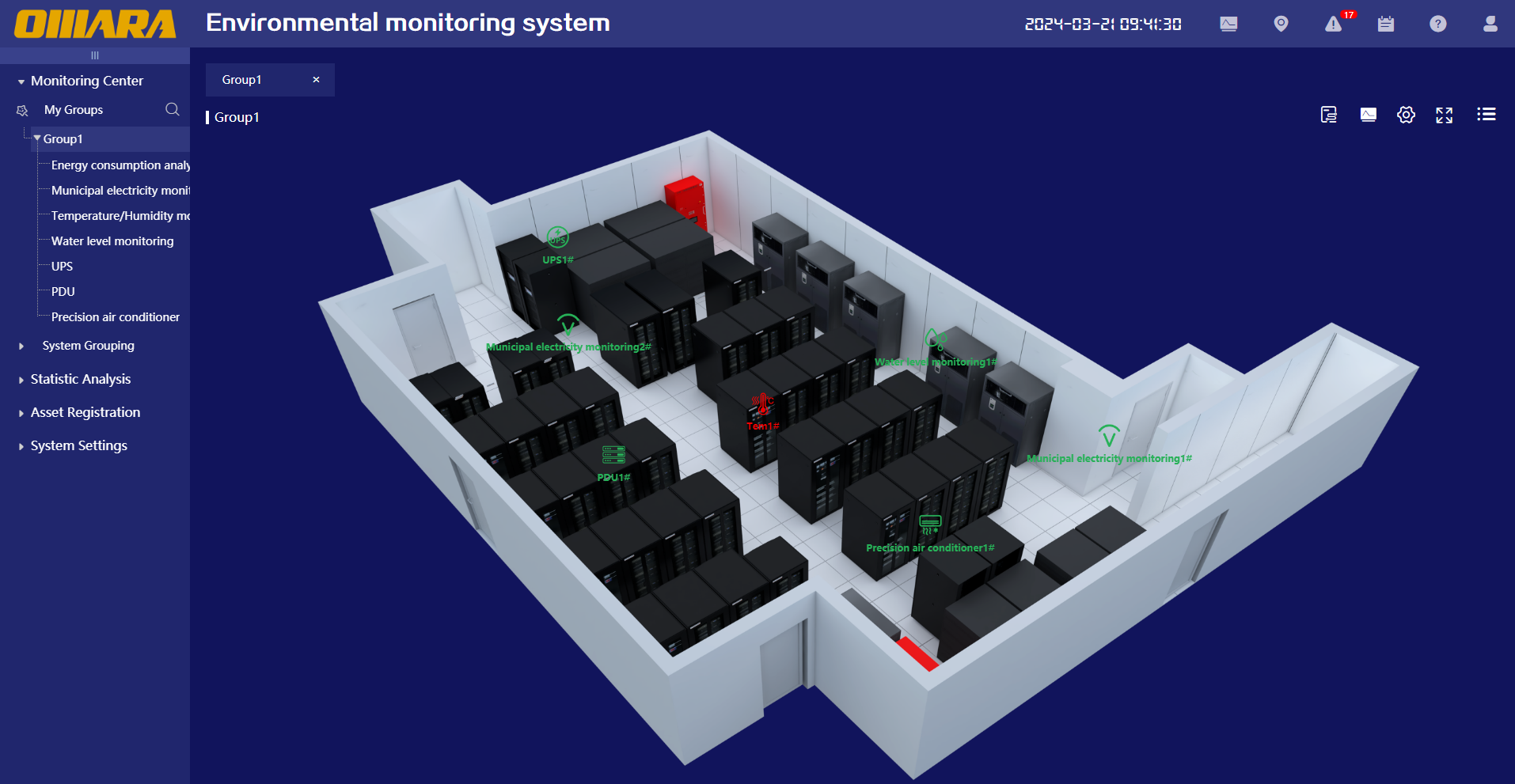
Ø3D View
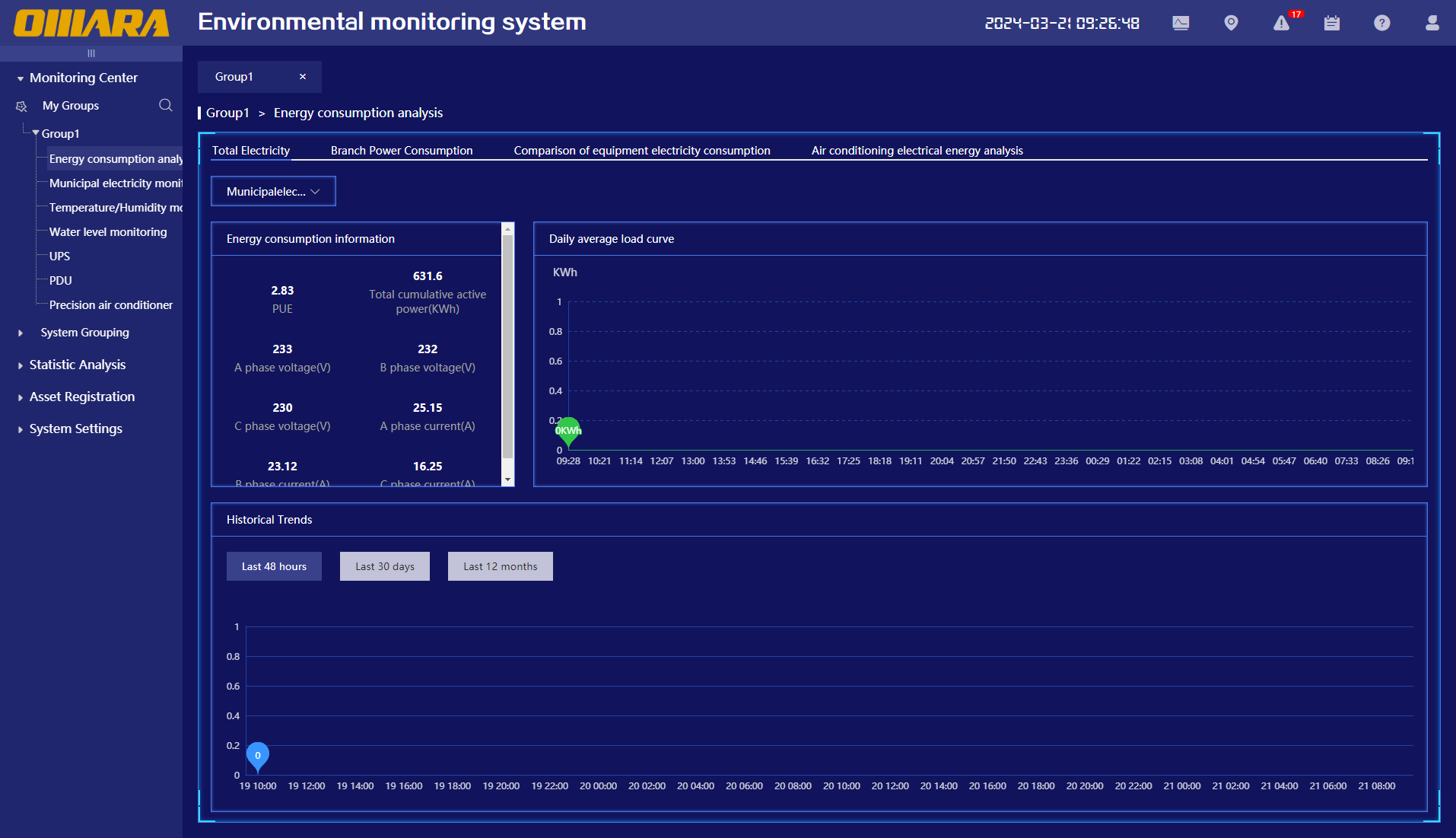
ØEnergy Consumption Analysis >Total Electricity Consumption
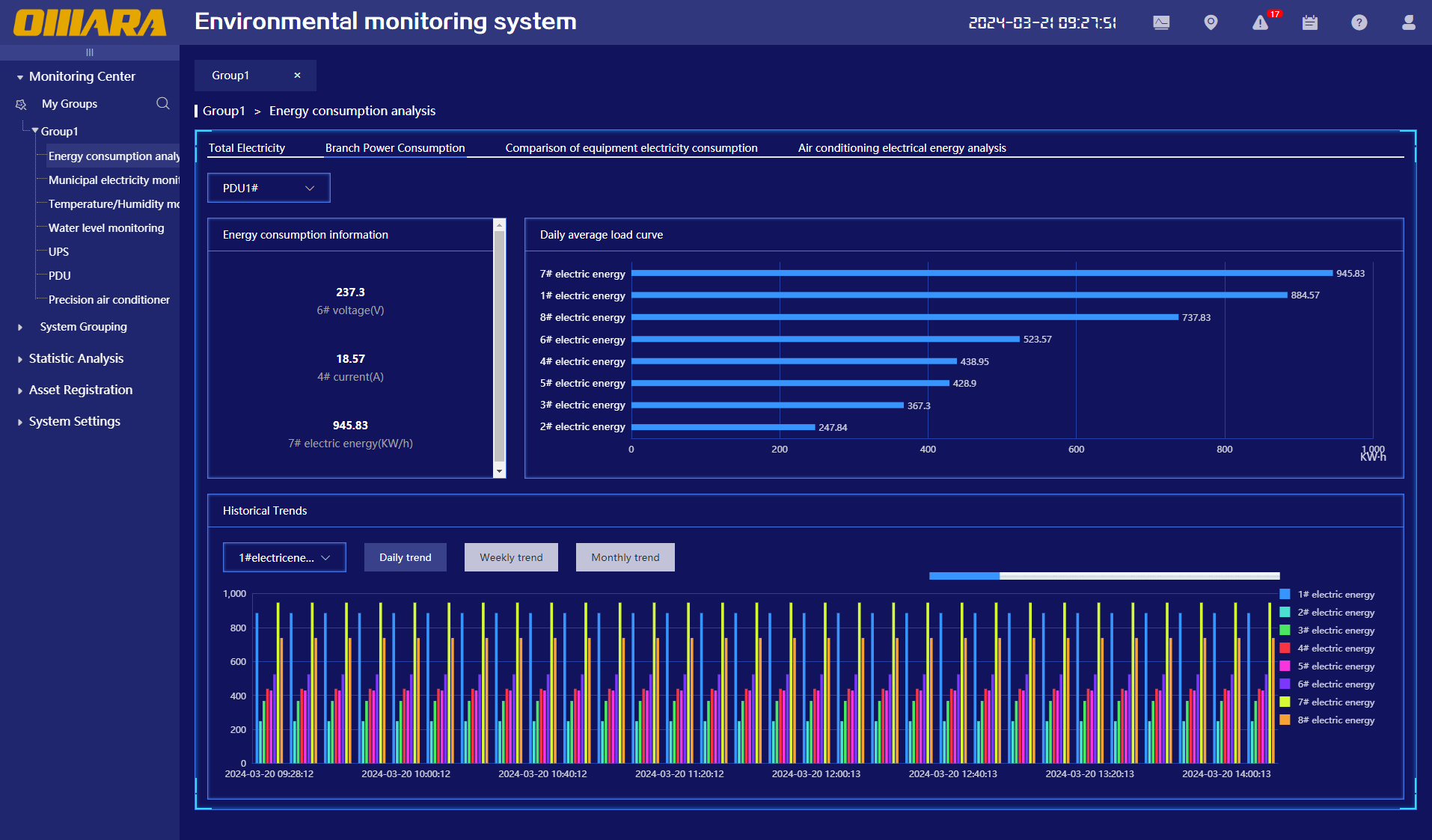
ØEnergy Consumption Analysis > Branch Power Consumption
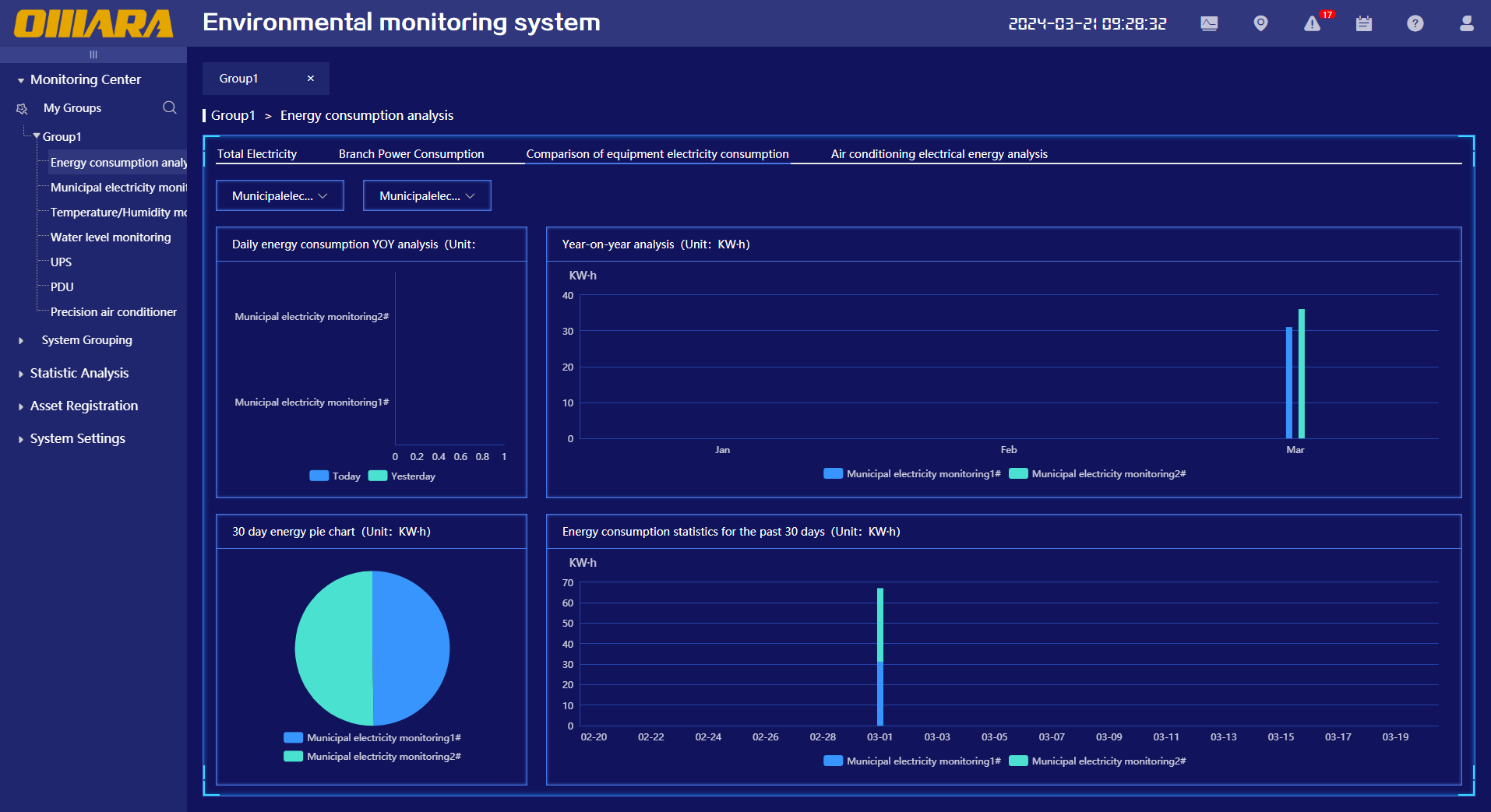
ØEnergy Consumption Analysis >Comparison of Electricity Consumption among Devices
ØEnergy Consumption Analysis > Air Conditioner Electricity Analysis
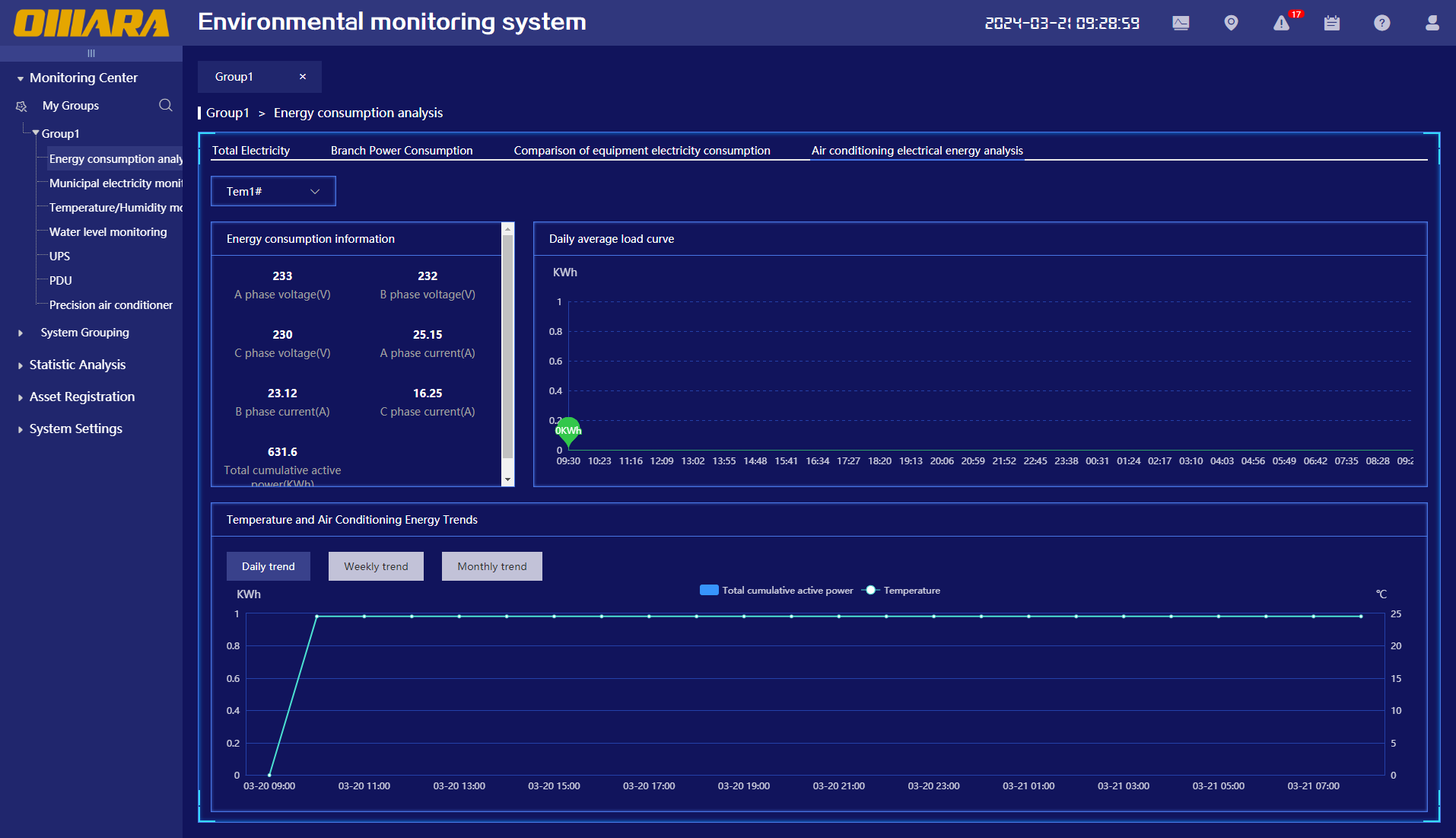
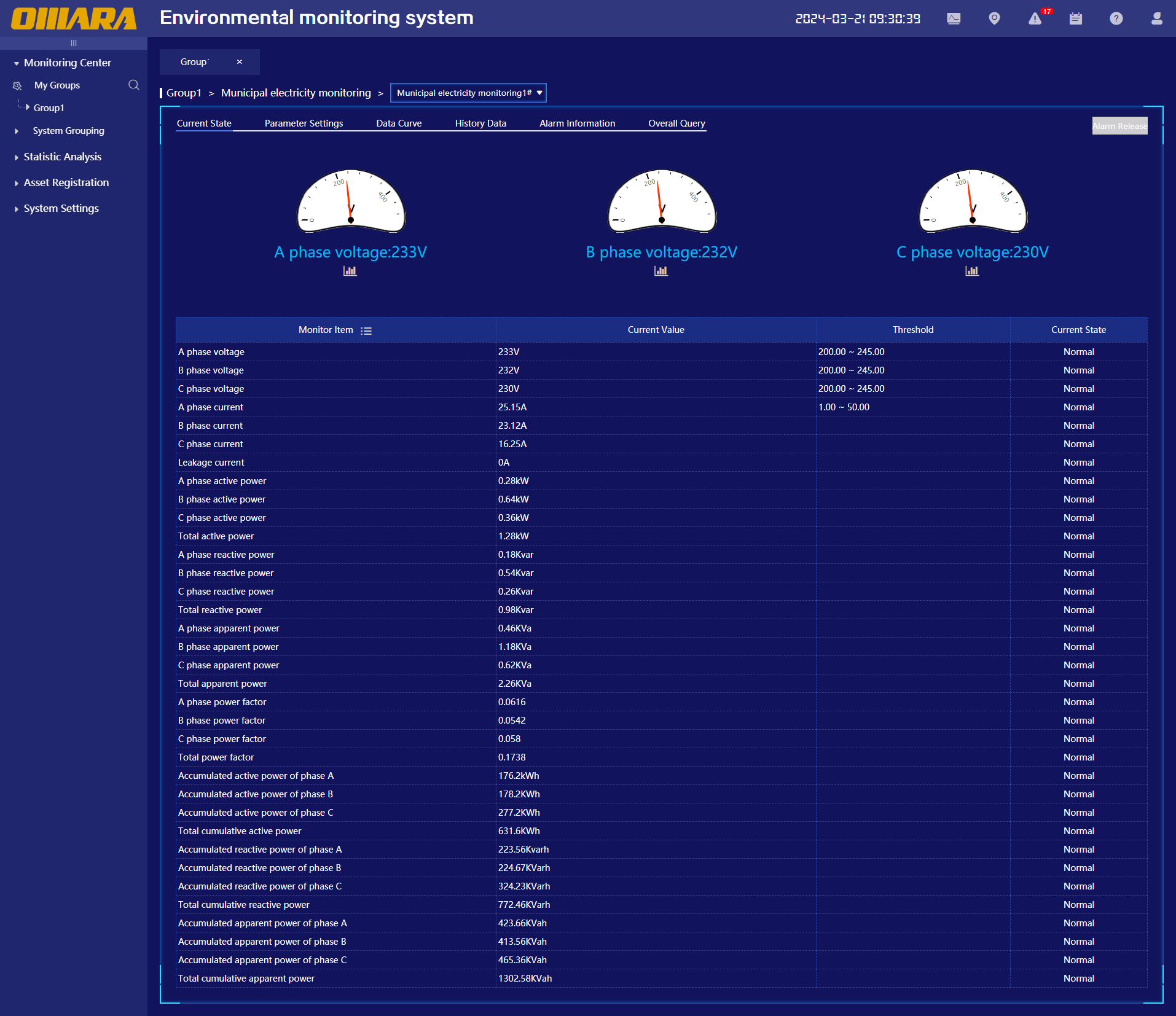
ØMonitoring Equipment > Current Status
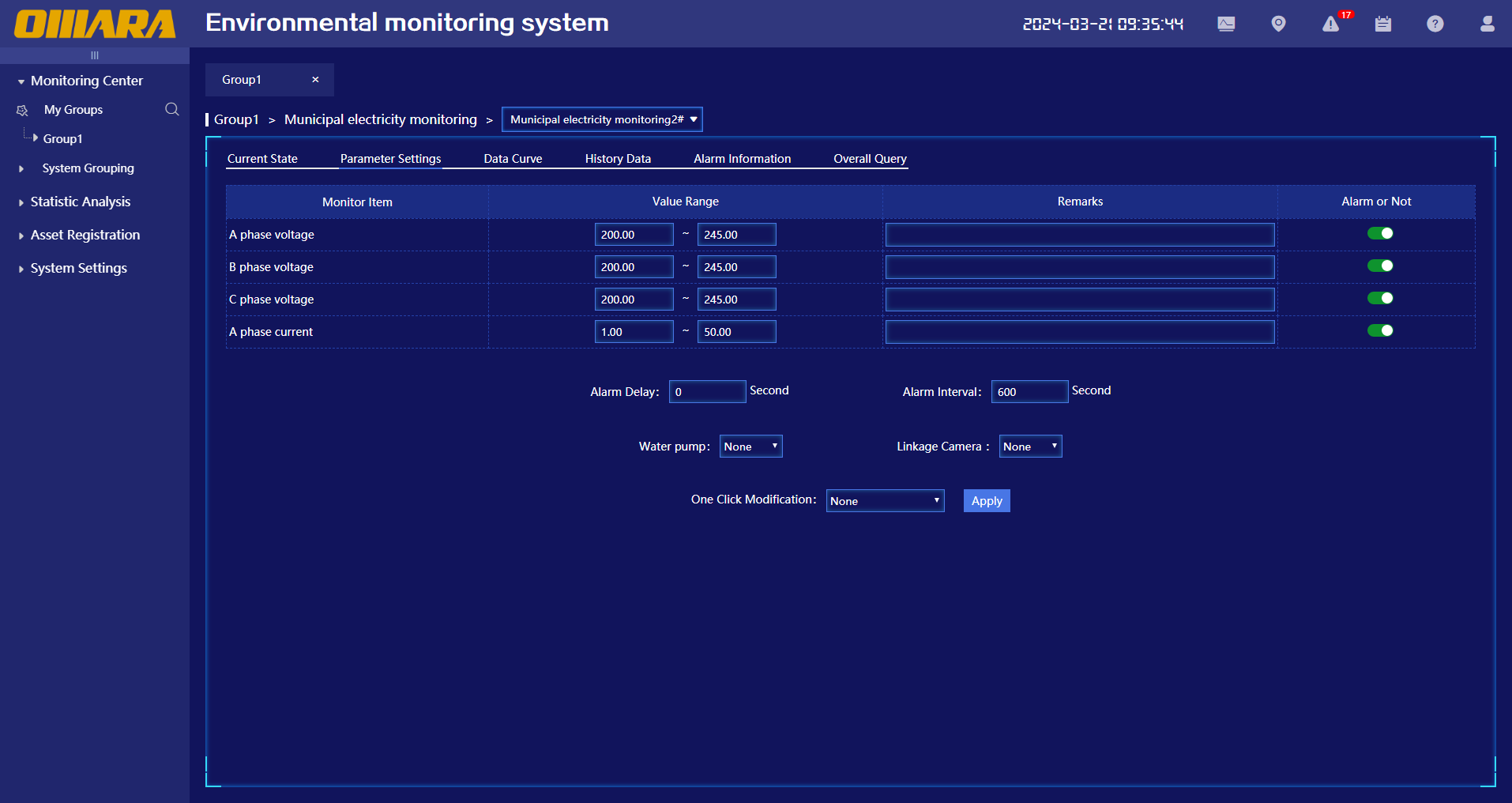
ØMonitoring Equipment > Parameter Settings
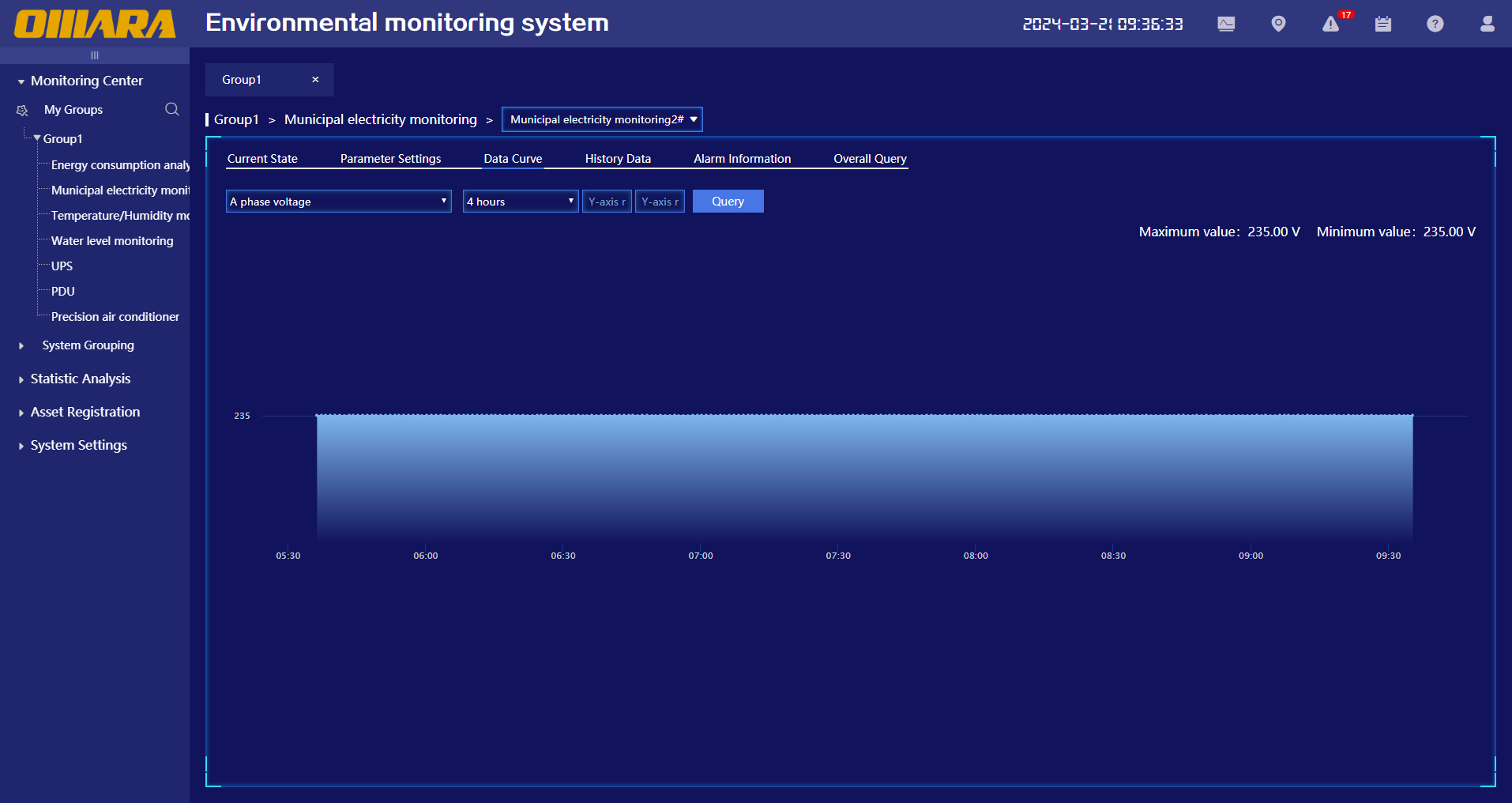
ØMonitoring Equipment > Data Curve
ØMonitoring Equipment > Historical Data
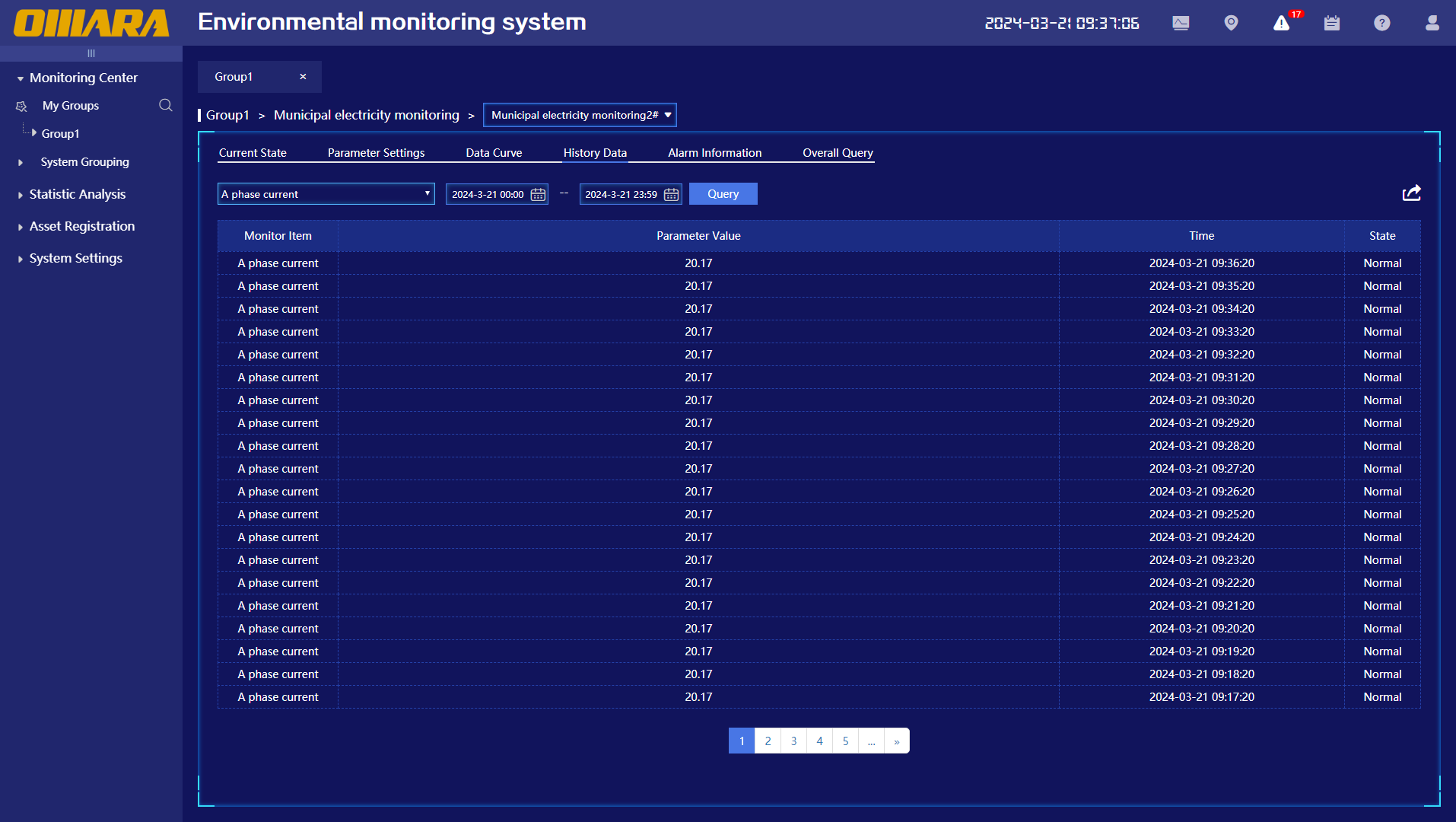
ØMonitoring Equipment > Alarm Information
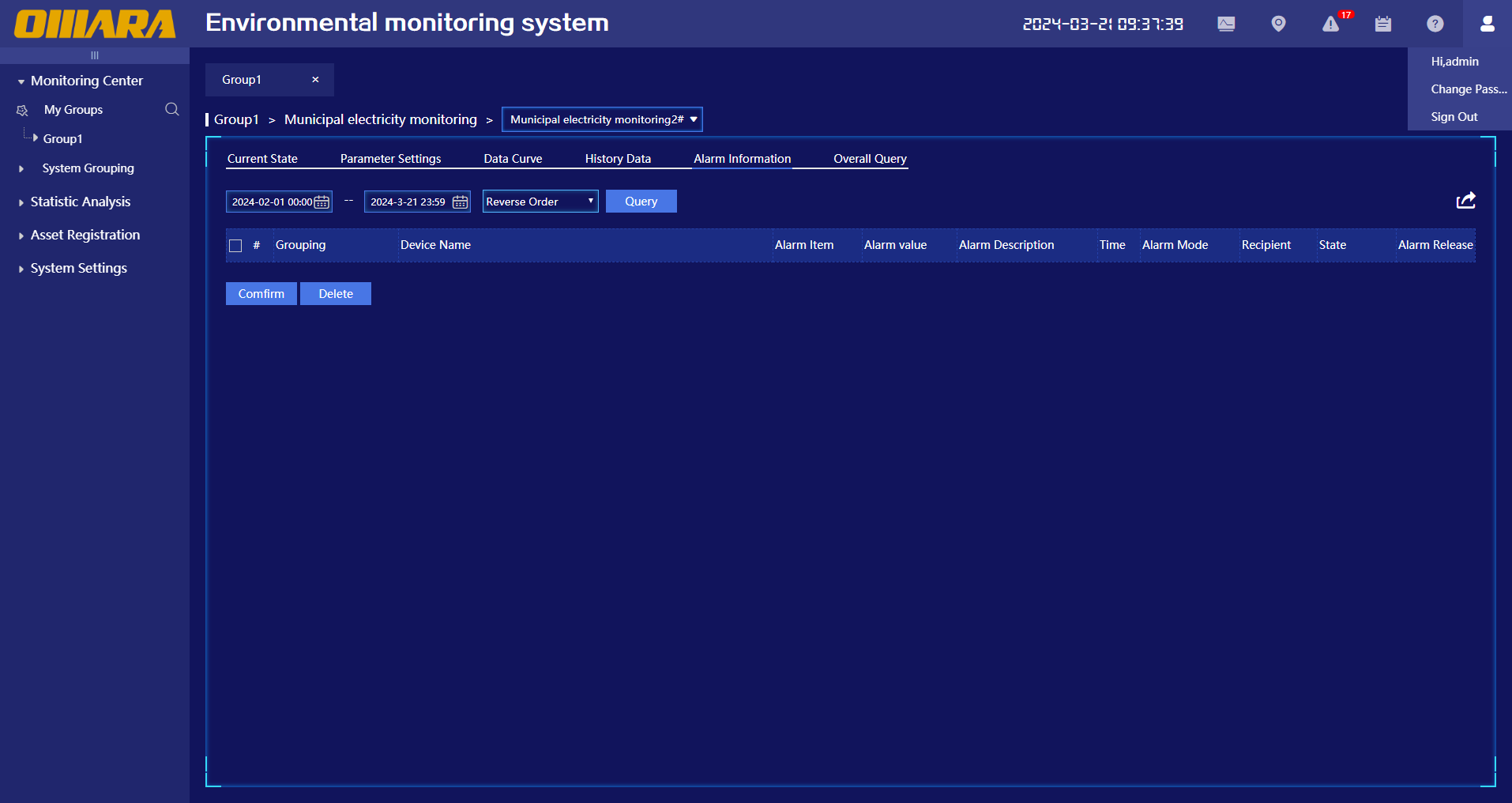
ØMonitoring Equipment > Overall Query
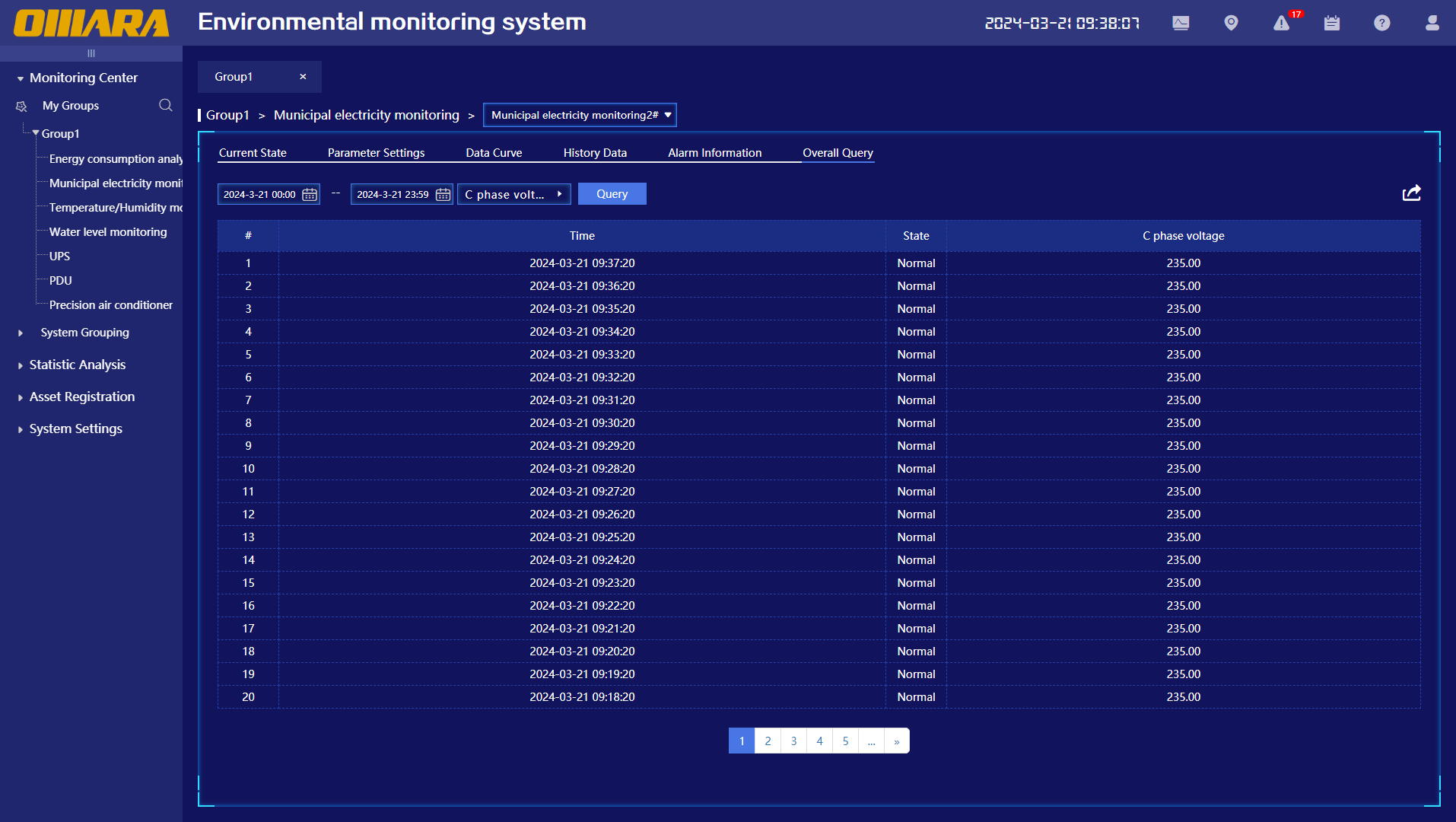
ØStatistical Analysis
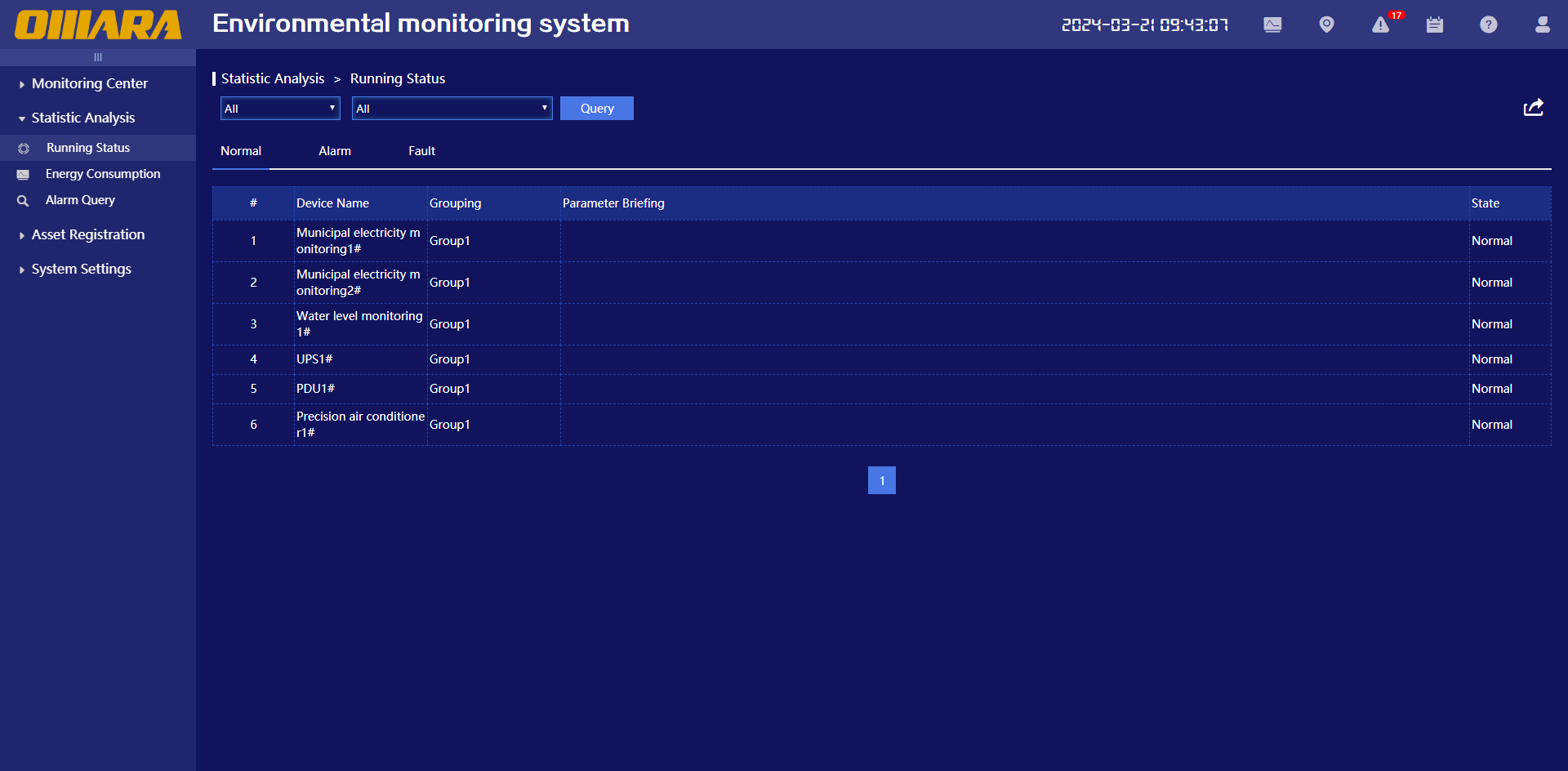
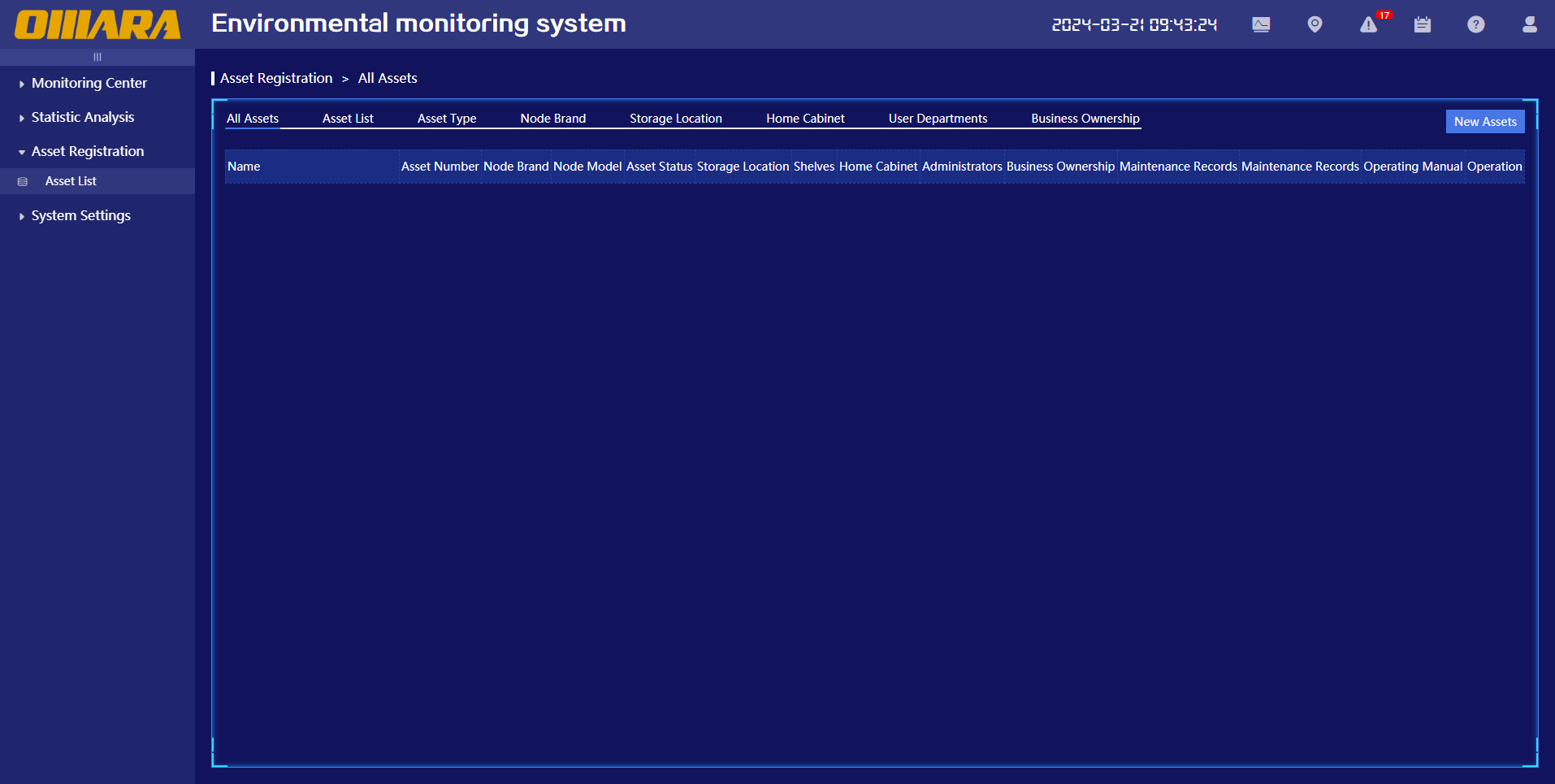
ØAsset Management
ØSystem Settings